How to swap in a different campground
The campground the AI picks for a night is a recommendation, not a requirement. If it's not right — you'd rather stay somewhere else, or you already have a reservation — you can swap it in a couple of clicks. This guide shows both ways.
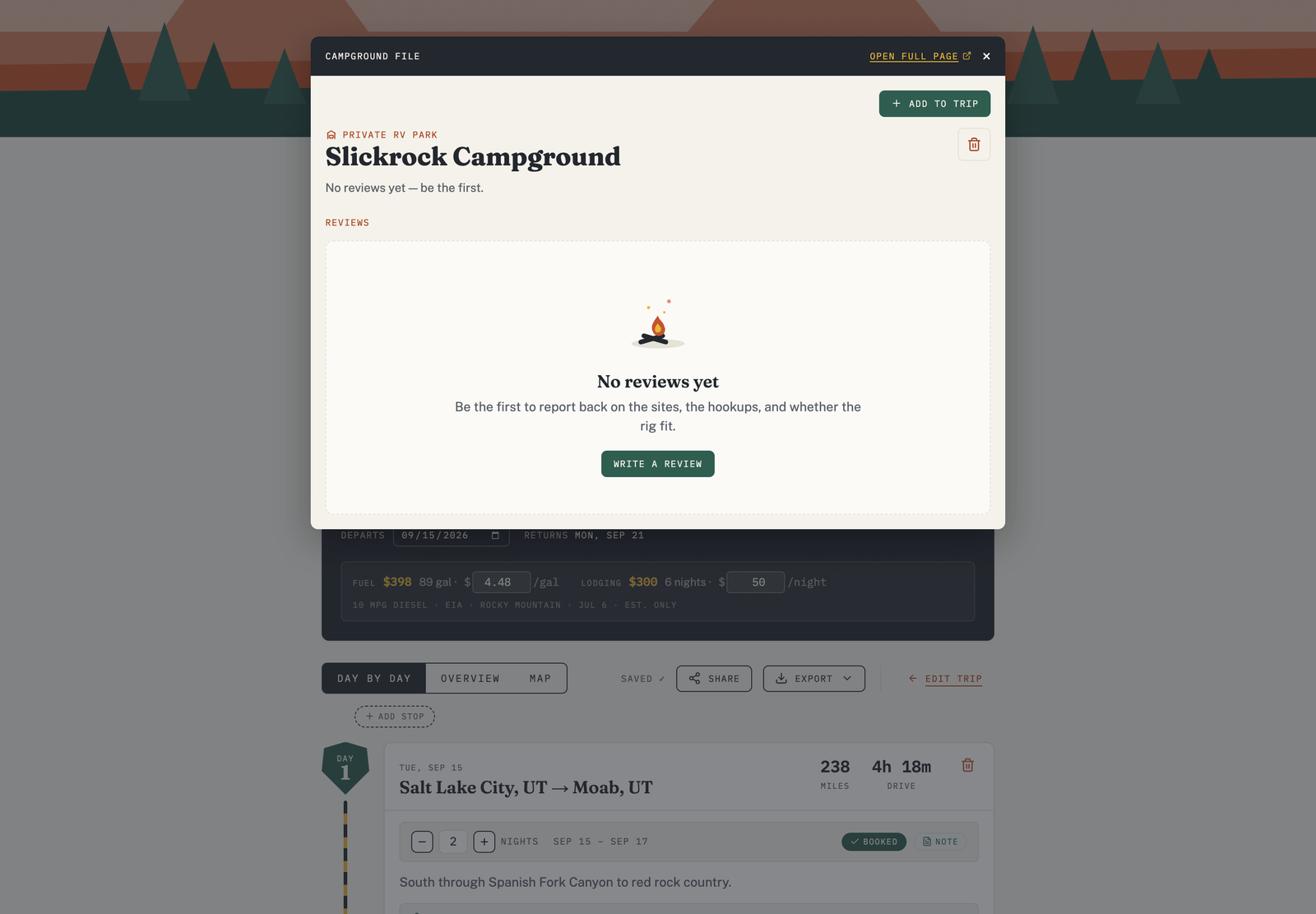
Swap for a ranked alternate
- On the day you want to change, open the campground's alternates.
- RV Roost shows a ranked list of nearby campgrounds for that night, sorted by Match Score so the best fits for your rig and preferences are on top.
- Pick one to swap it into the itinerary.
The trip updates in place — the route and drive times adjust to the new stop.
Add a specific campground
Already know where you're staying? You can add a specific campground to a stop, including one you found on the Explore map. This is handy when you've booked a site and want the plan to reflect it.
Check the details before you commit
Before swapping, open a campground's detail card to see its AI review summary, ratings, photos, and — for federal campgrounds and state parks in supported states — live availability and a direct booking link. See Use the Explore map for what's in the detail card.
Mark it booked
Once you've settled on a site and reserved it, mark the stop as booked and add your confirmation details so they ride along with the trip.