How to write a campground review
The best campground intel comes from other RVers. When you add a review, you help the next traveler judge a site — and feed the AI review summaries that condense camper feedback. This guide shows how to write one.
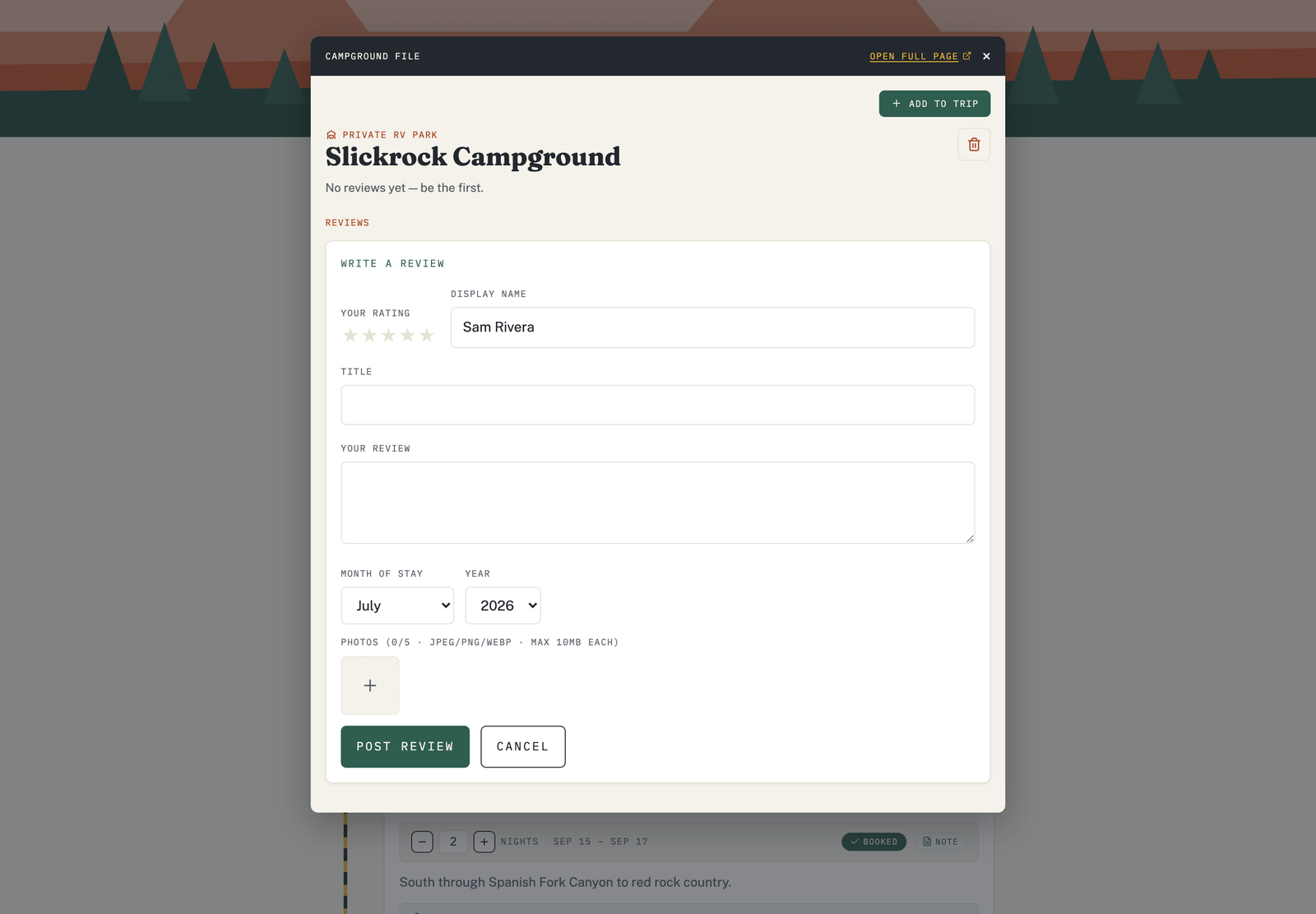
Add a review
- Sign in to your account.
- Open the campground's detail card (from the Explore map or from a trip).
- Start a review and fill in the form.
What's in the form
- Star rating (1–5) — your overall take.
- Your name — how you'll appear on the review.
- Title and review — a short headline and your notes.
- When you stayed — the month and year, so readers know how current it is.
- Photos (optional) — up to five images (JPEG, PNG, or WebP). Show the sites, the hookups, the views.
What makes a helpful review
- Be specific: hookup quality, site size and levelness, road noise, cell signal, how a big rig fits.
- Note what changed: a renovation, a closure, a new fee.
- Keep it fair — one bad night isn't the whole story.
Editing and moderation
You can edit or remove your own reviews. To keep reviews useful and appropriate for everyone, submissions may be checked before they appear publicly.