How to manage your account and subscription
This guide covers the housekeeping side of RV Roost: your account details and your subscription. For what each plan includes, see Free vs Pro plans.
Signing in
You can use RV Roost with:
- Email and password, or
- Google or Apple sign-in.
If you sign up with email, you'll verify your address. Forgot your password? Use the forgot password link on the sign-in screen to reset it by email.
Your account details
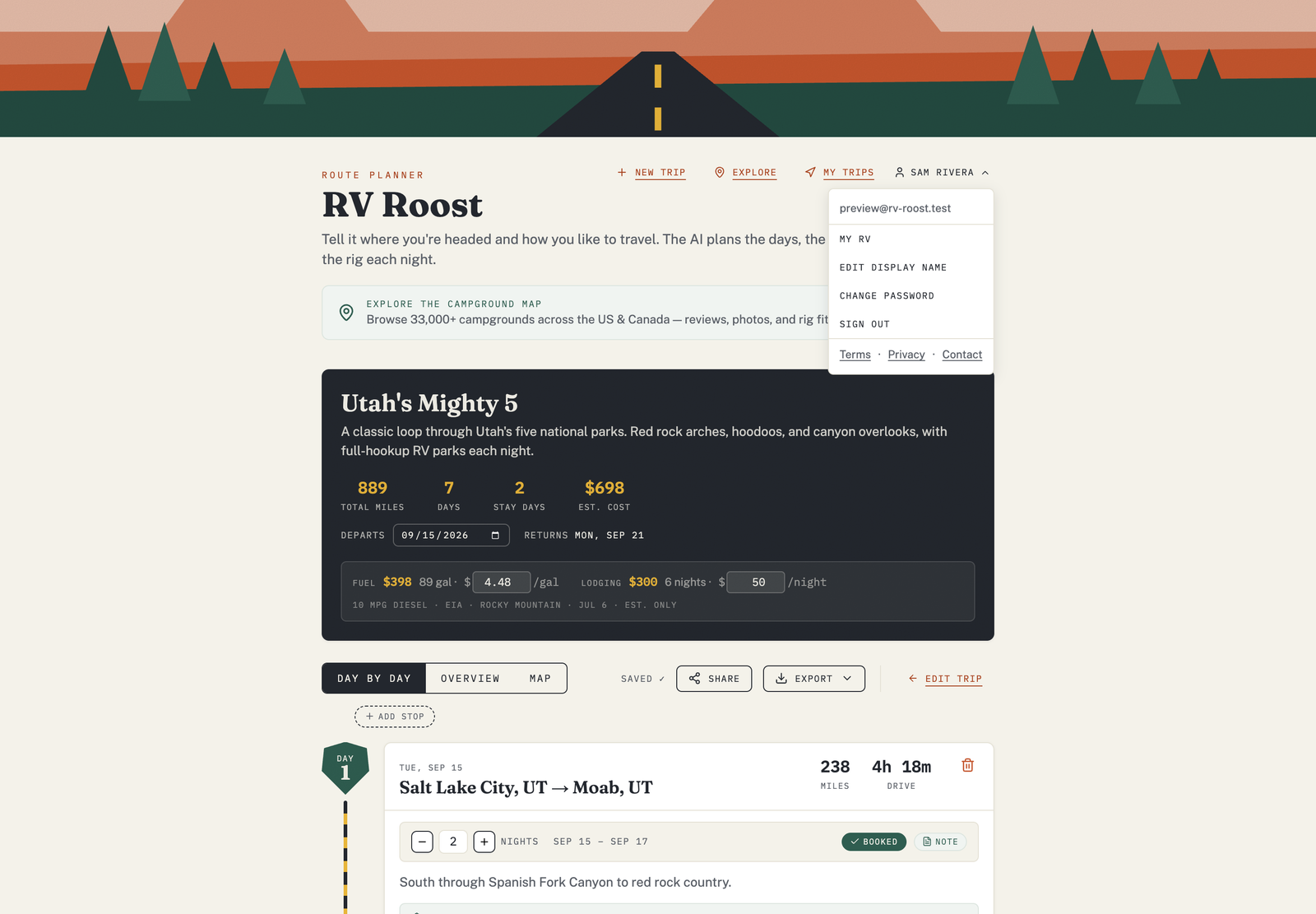
From the account menu you can:
- Edit your display name (how you appear, including on reviews).
- Open My RV to update your RV profile and preferences.
- Open My Trips to manage saved trips.
- Sign out.
Starting a paid plan
To unlock unlimited trips, exports, sharing, and the mobile apps, start a monthly or annual plan. Each begins with a 7-day free trial, and you can cancel anytime during the trial without being charged. Current pricing is on the pricing page.
Canceling or changing your plan
You can cancel or change your subscription from your account. If you cancel, you keep paid access until the end of the period you've already paid for, then return to the free plan.
Getting help
If something isn't working or you have a billing question, start with Troubleshooting, or reach out through the contact page.