How to share a trip (view-only)
Sometimes you just want to show someone the plan — a friend meeting you partway, family tracking your route, a campground host you're checking in with. A view-only link does exactly that: they see the trip, they can't change it. This guide shows how.
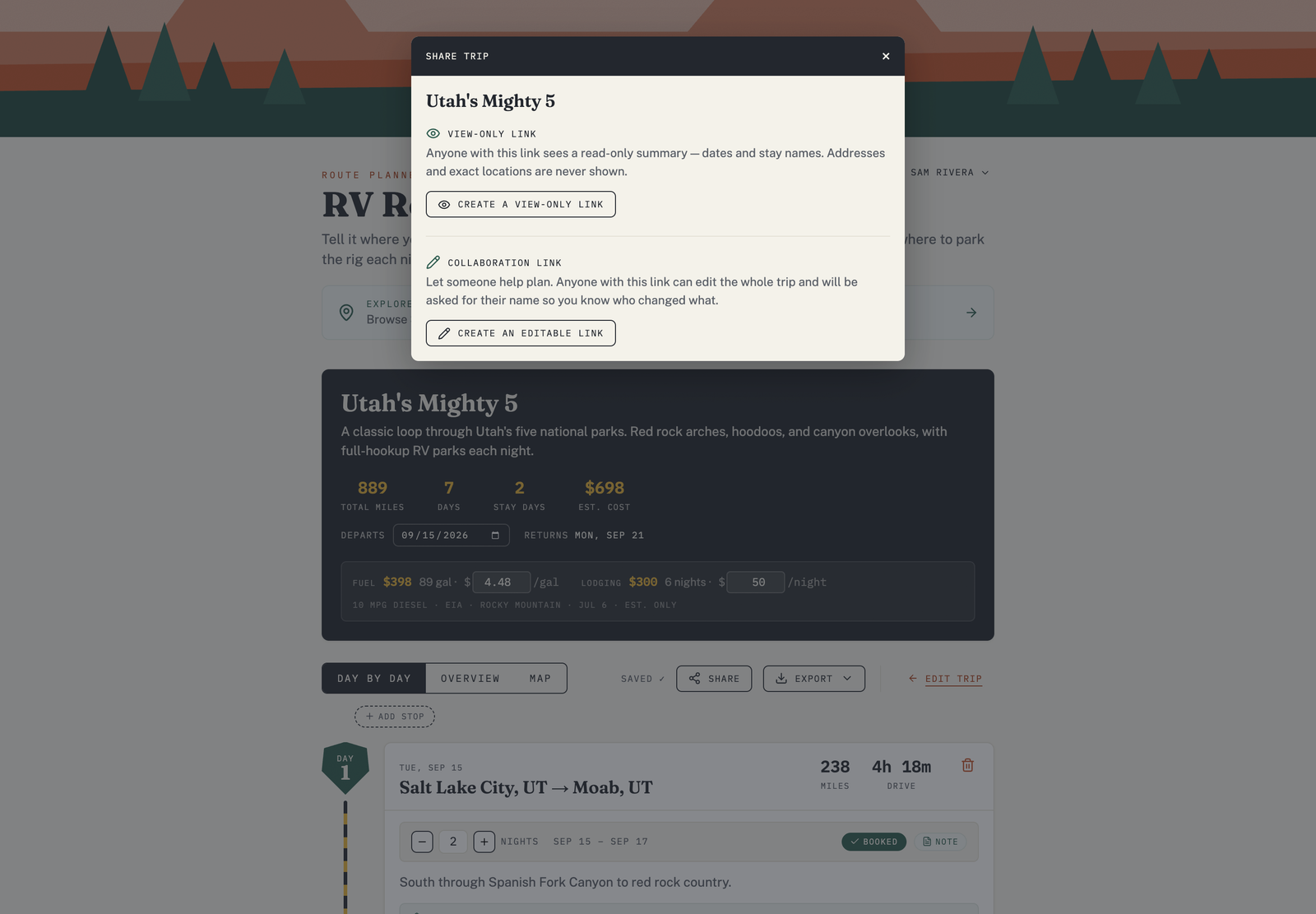
Create a view-only link
- Open the trip you want to share.
- Choose Share.
- Create a view-only link and copy it.
Send the link however you like — text, email, a group chat.
What the recipient sees
Anyone with the link can open the trip and see the itinerary — the days, the route, the campgrounds, and the drive times — as a read-only view. They don't need an account, and they can't edit anything.
Stop sharing
Changed your mind? You can stop sharing from the same Share panel, which turns off the link.
View-only vs collaboration
A view-only link is for showing a trip. If you want travel partners to actually help build it — swap campgrounds, adjust days — use an editable link instead. See Collaborate on a trip.
Free plan: sharing is part of a paid plan. See Free vs Pro plans.