RV Roost on iPhone and Android
Plan at home, then take the trip in your pocket. The RV Roost companion apps for iPhone and Android put your saved itinerary on the dash and hand you off to live, rig-aware navigation when it's time to roll. This page is an overview; the following guides go deeper on navigation and offline use.
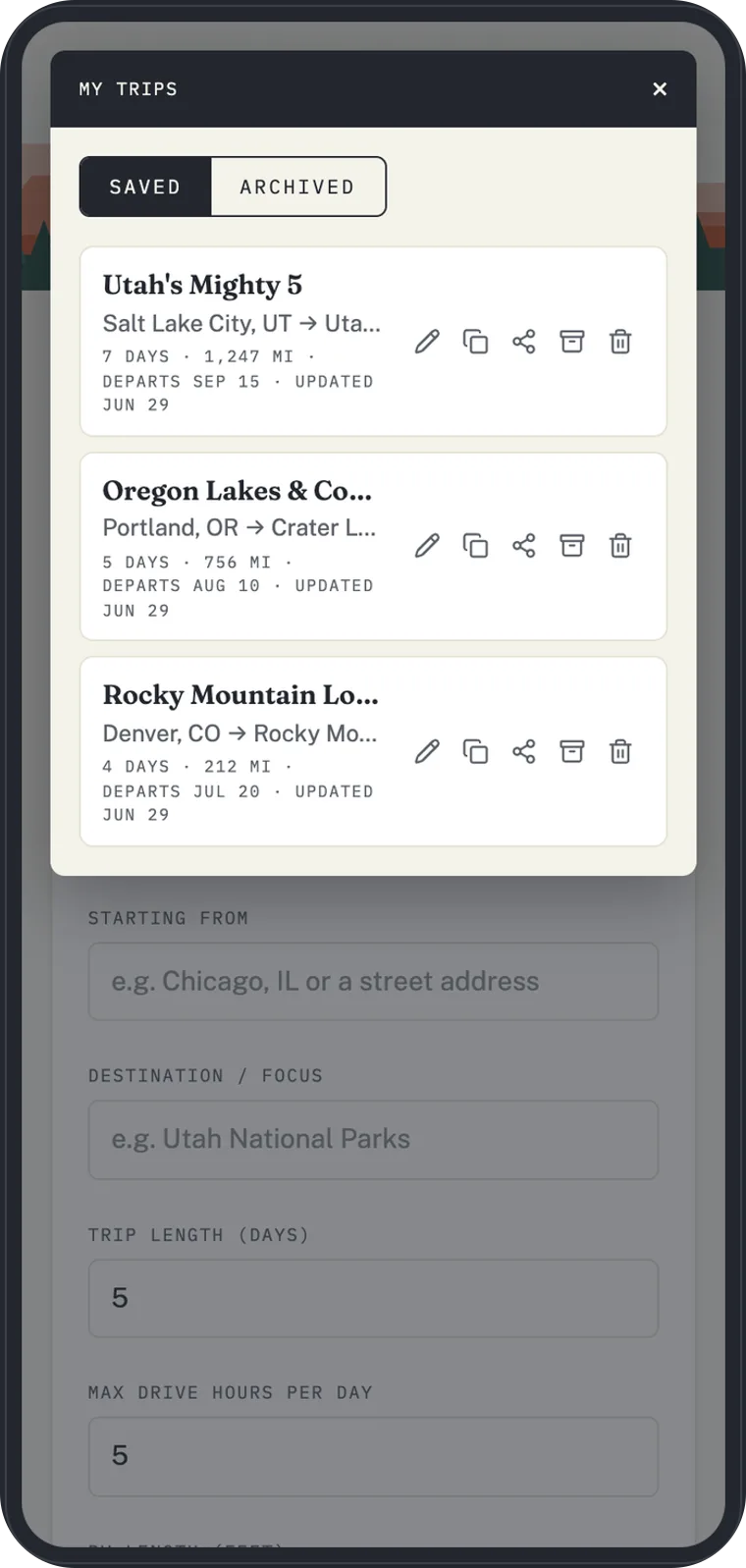
What the apps do
- My Trips — your saved trips sync to the app, so the itinerary on your phone matches the one you built on the website.
- Navigate — hand any stop off to spoken, turn-by-turn directions built for your rig. See Turn-by-turn navigation.
- CarPlay and Android Auto — put navigation on your vehicle's head unit.
- Offline maps, satellite, and weather radar — download maps for areas without signal, switch to a satellite basemap, and check live weather. See Offline maps, satellite, and weather.
Getting the apps
The apps are available for iPhone and Android. Sign in with the same account you use on the website, and your saved trips appear in the My Trips tab.
How trips stay in sync
Changes you make on the website sync to the apps, and the app refreshes your trips so you're always navigating the current plan — no manual re-import. See Save and manage your trips for how saving works.
Free plan: the mobile navigation apps are part of a paid plan. See Free vs Pro plans.