How RV-aware routing works
A passenger-car route can send you straight into a low overpass or a bridge your rig outweighs. RV Roost routes differently: it uses your RV's dimensions to keep you on roads your rig can legally and safely drive. This page explains what "RV-aware" actually means and why your routes may not match a car GPS.
What the router avoids
Using the dimensions in your RV profile, routing steers around:
- Low clearances — underpasses and tunnels shorter than your rig's height.
- Weight-limited bridges — structures rated below your rig's weight or axle load.
- Propane-restricted tunnels — tunnels that prohibit vehicles carrying propane, when your profile says you carry a tank.
The result is a truck-style route built for your rig, not the shortest line a car could take.
Why your route may look longer
Because it avoids hazards a car would happily drive through, an RV-aware route is sometimes longer or slower than what a standard map app suggests. That's expected — the extra miles keep you off roads where your rig doesn't belong.
Keep your profile accurate
Routing is only as good as the numbers you give it. Make sure your height, weight, axle load, and propane setting are correct in your RV profile. If you're unsure of a value, it's better to enter a conservative (larger height / heavier weight) figure than to leave the router guessing low.
Drive times and distances
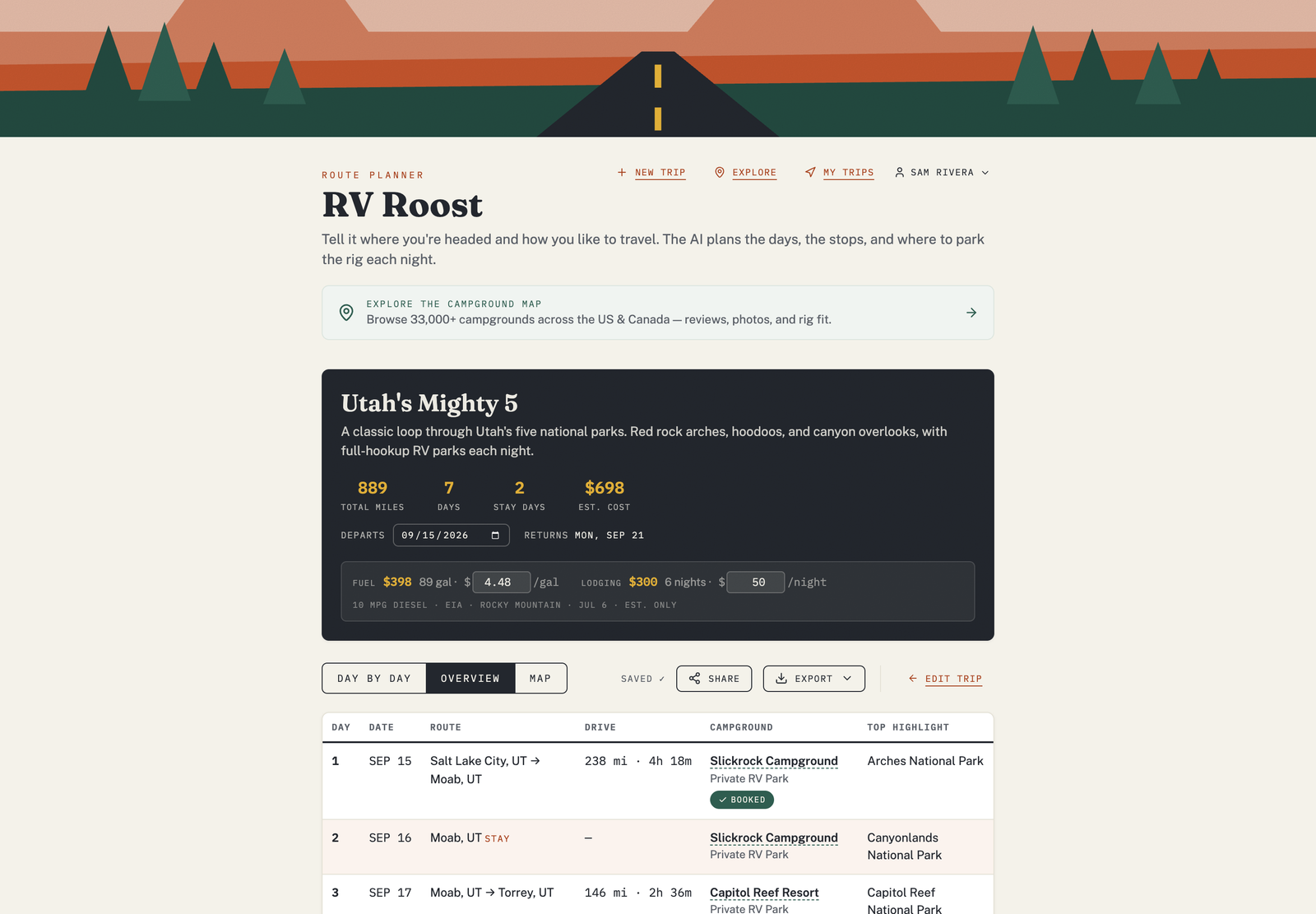
Each leg of your itinerary shows an estimated drive distance and time based on this routing. Treat them as solid estimates — real conditions like traffic, weather, and construction can shift them, so verify before you rely on a tight arrival.
On the road
When you navigate a saved trip in the iPhone or Android app, the same rig-aware profile drives turn-by-turn directions, so the guidance in the cab matches the plan you made at home.