How to filter campgrounds by brand and network
If you belong to a camping club or discount network, you want to stay where your membership actually saves you money. RV Roost tags campgrounds with their brand and network so you can filter the map down to them. This guide shows how.
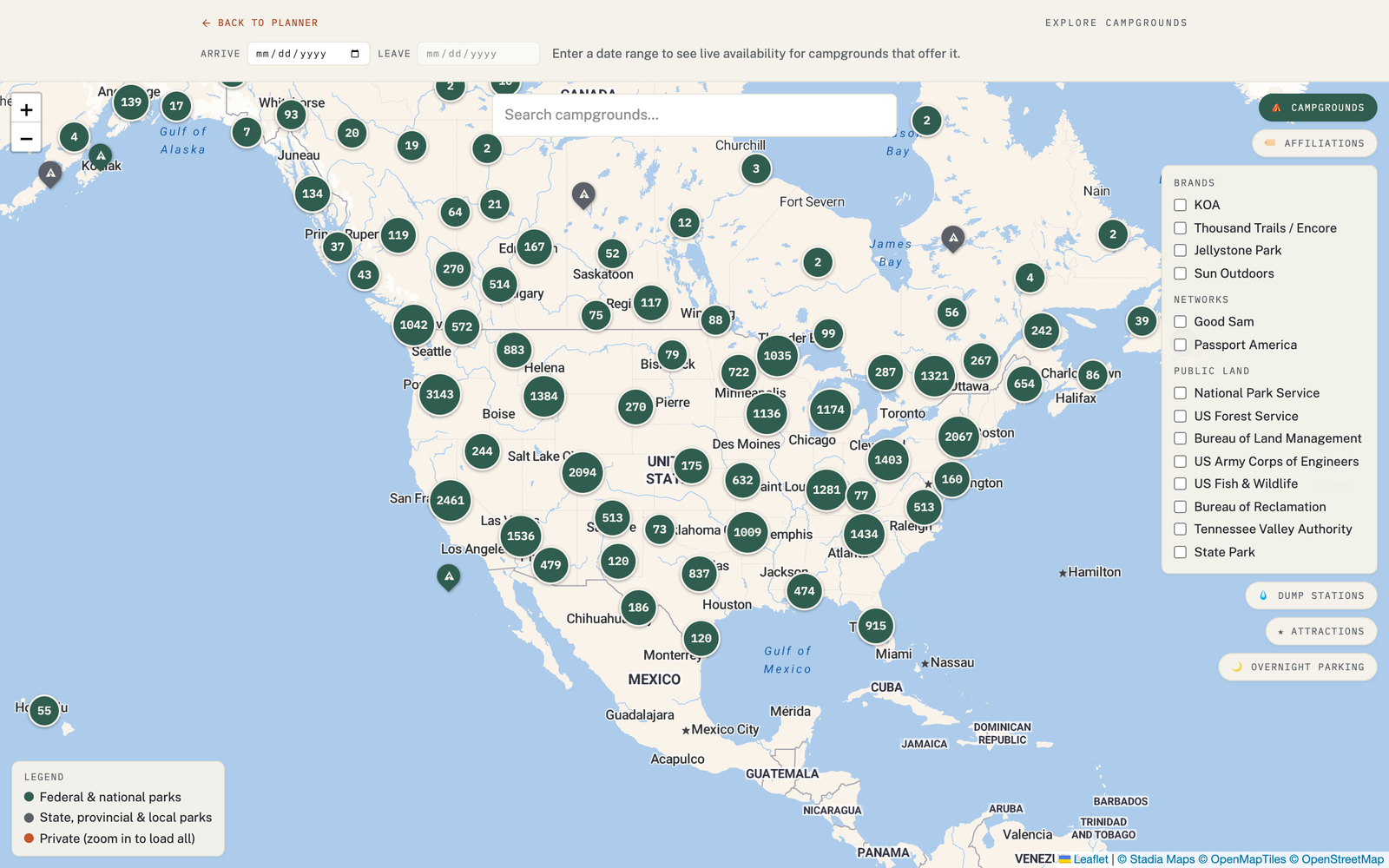
Filter by brand and network
On the Explore map, use the affiliation filter to narrow the campgrounds to a specific brand or membership network, including:
- KOA (Kampgrounds of America)
- Thousand Trails
- Good Sam
- Passport America
- and other networks
Pick a network and the map shows the campgrounds that belong to it, so you can plan nights where your membership pays off.
Why it's useful
- Get value from a membership you already pay for.
- Stay in a familiar network whose amenities and standards you know.
- Plan around discounts by routing between parks in the same network.
Combine with your rig fit
Filtering finds the right network; the Match Score tells you whether a specific park fits your rig and preferences. Use them together — filter to your network, then let the score and the reviews guide the final pick.