RV Route Planning: What Google Maps Gets Wrong (And How to Route Safely)
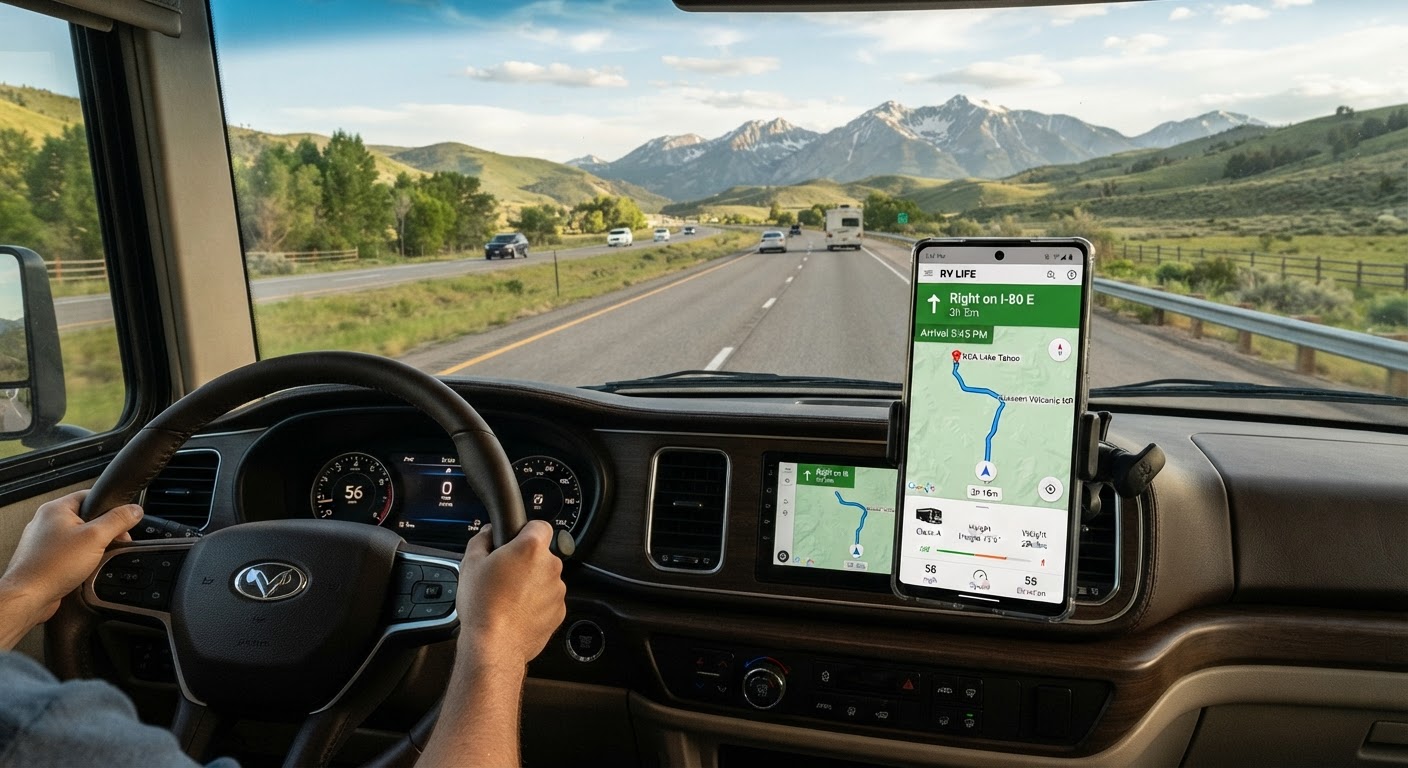
Picture this: You're cruising along, following Google Maps to your next campground. Everything's fine until the "shortest route" takes you down a residential street barely wide enough for your side mirrors. Or worse—straight toward a bridge with a 12-foot clearance when you're sitting at 13-6.
Cue the panic. The U-turn. The frantic re-routing. The colorful language.
We've all been there.
Google Maps is phenomenal—for cars. For RVs? It's like using a sports car manual to fly a plane. Sure, they both involve transportation, but the rules are completely different.
Let's talk about what Google Maps gets dangerously wrong when it comes to RV route planning, and how to actually navigate safely.
What Google Maps Doesn't Know About Your RV
Google's algorithm optimizes for one thing: the fastest route from Point A to Point B for a standard passenger vehicle.
Here's what it doesn't factor in:
1. Height Restrictions (The Big One)
Google Maps has no idea how tall your RV is. None.
It'll cheerfully route your 13-foot-tall Class C under an 11-foot bridge. And yes, this happens all the time.
Low clearance isn't just about bridges. It's:
- Overpasses and tunnels
- Drive-throughs (yes, RVers sometimes forget)
- Parking garage entrances (if you're trying to visit downtown)
- Tree branches on scenic back roads
- Power lines and canopies at gas stations
Every year, hundreds of RVs get literally peeled open like sardine cans because someone trusted Google Maps without double-checking clearance.
2. Weight Limits
Many bridges and roads have weight restrictions that Google cheerfully ignores.
You might be routing along and suddenly encounter a "No Vehicles Over 10 Tons" sign. Your loaded Class A? Probably north of 15 tons.
Now you're pulling a U-turn with a 40-foot rig on a two-lane road. Fun times.
3. Width and Turn Radius
Google doesn't care that you're 8.5 feet wide with mirrors that add another foot on each side.
It'll send you:
- Down narrow residential streets
- Through tight historic districts with parked cars on both sides
- Into hairpin turns designed for sedans
- Through roundabouts that require a 3-point turn to navigate
That "shortcut" through the charming downtown area? Yeah, you're going to clip someone's mailbox.
4. Road Type and Surface Quality
Google Maps doesn't distinguish between:
- Paved highways and dirt forestry roads
- Well-maintained county routes and pothole-riddled back roads
- RV-friendly truck routes and "No Trucks" residential areas
I've watched Google try to route a 35-foot motorhome down Forest Service Road 247—a glorified hiking trail with a name.
5. Steep Grades and Mountain Passes
Google knows the road exists. It doesn't know if your RV can safely handle it.
Steep mountain grades are no joke in an RV:
- Uphill: Your engine strains, speed drops to 25 mph, other drivers get impatient
- Downhill: You're riding the brakes, transmission overheating, white-knuckling every switchback
Google Maps doesn't warn you about 8% grades or runaway truck ramps. It just says "Turn right in 500 feet."
6. Propane Restrictions
Many tunnels and bridges prohibit propane tanks. Google doesn't flag these restrictions.
If you don't catch it in time, you're either:
- Breaking the law (and risking hefty fines)
- Making a last-minute detour that adds hours to your drive
- Trying to convince a tunnel attendant that "I didn't know" is a valid excuse
Real-World Google Maps RV Horror Stories
The Parkway Problem: Google routed an RVer onto a scenic parkway—where commercial vehicles and RVs are banned. They didn't realize until a ranger pulled them over. $500 fine.
The Boston Breakdown: A couple followed Google through downtown Boston in a 38-foot Class A. Three hours, two panic attacks, and one scraped awning later, they made it out. Barely.
The 11-Foot-8 Bridge: This infamous bridge in Durham, NC has its own YouTube channel because Google Maps keeps sending trucks (and RVs) into it. The bridge always wins.
The Mountain Pass Meltdown: Google sent an RV up a 9% grade mountain pass in 95-degree heat. Overheated engine, burned-out transmission. $4,000 repair bill.
These aren't edge cases. This is what happens when you navigate a 13-foot, 35-foot-long, 10-ton vehicle with a tool designed for Honda Civics.
So... What's an RVer to Do?
Option 1: The Manual Method (Time-Consuming but Thorough)
Before every trip, veteran RVers:
- Plot the route in Google Maps (starting point)
- Cross-reference with RV-specific GPS or apps like RV Life, Copilot, or Good Sam
- Check state DOT websites for bridge clearances and weight limits
- Read RV forums for others' experiences on that route
- Call ahead to campgrounds for route advice
- Study satellite view for tight spots
- Note all clearances, grades, and restrictions manually
This works. It's also exhausting. And it's easy to miss something.
Option 2: RV-Specific GPS (Better, But Not Perfect)
Dedicated RV GPS units (Garmin, Rand McNally) know your rig dimensions and try to route accordingly.
Pros:
- Accounts for height, weight, and length
- Flags propane restrictions
- Warns about steep grades
- Shows RV-friendly POIs (dump stations, propane, parking)
Cons:
- Expensive ($300-600)
- Maps go out of date quickly
- Database errors still happen
- Doesn't integrate with trip planning (just point-to-point navigation)
- Ugly interface designed in 2012
Option 3: RV Trip Planning Apps (Getting Warmer)
Apps like RV Life Trip Wizard and Roadtrippers (RV mode) offer better planning tools.
You can:
- Input your rig specs
- Plan multi-stop trips
- See campgrounds along the route
- Get somewhat RV-safe routing
But they're still clunky, require tons of manual input, and often miss critical details.
The Smarter Solution: AI-Powered RV Route Planning
Here's the truth: in 2026, you shouldn't have to choose between "fast and dangerous" (Google Maps) and "safe but tedious" (manual planning).
RV Roost uses AI specifically trained on RV routing to build trips that:
✅ Know your rig dimensions (height, length, weight)
✅ Avoid low bridges and weight restrictions automatically
✅ Flag steep grades and difficult passes before you're halfway up the mountain
✅ Route through RV-friendly roads (no residential streets or banned parkways)
✅ Find campgrounds that actually fit your RV along the way
✅ Integrate routing with trip planning (not just A to B, but your whole adventure)
You tell the AI where you want to go. It builds a complete route that keeps you safe, sane, and on paved roads wide enough for your rig.
No more juggling three apps, two websites, and a phone call to the campground.
The Bottom Line
Google Maps is an incredible tool. Just not for RVing.
Your RV isn't a car. It doesn't fit under every bridge, handle every turn, or belong on every road Google suggests.
You can absolutely plan safe RV routes without AI—people have been doing it for decades. But it takes time, diligence, and the occasional "learning experience" that costs you time, money, or both.
Or you can let technology do what it does best: handle the heavy lifting so you can focus on the adventure.
Ready to stop gambling with Google Maps? Try RV Roost free for 7 days and see how AI-powered route planning keeps you safe, stress-free, and on the right road. No credit card required.